HostingServerlys team6 min read
8 Red Flags That Mean It's Time to Switch Web Hosts
Summarize with:
Is your web host costing you customers? These 8 warning signs mean it's time to switch hosting providers. Slow speeds, frequent downtime, poor support
Switching web hosts feels like a hassle. There's migration to deal with, potential downtime, and the uncertainty of whether the new host will actually be better. So most businesses tolerate bad hosting far longer than they should — and it quietly bleeds revenue the entire time.
Here are eight red flags that indicate your hosting provider is actively hurting your business. If you recognize three or more of these, it's time to move.
Red Flag #1: Your Site Takes More Than 3 Seconds to Load
Test your site speed right now with Google PageSpeed Insights. If your page takes more than 3 seconds to load on mobile, your hosting could be the bottleneck. Slow server response time (TTFB above 500ms) is a hosting problem, not a website problem.
Why it matters: Every second of delay hurts your SEO rankings and reduces conversions by 7%. A site loading in 5 seconds instead of 2 seconds is losing roughly 21% of potential conversions.
The test: Run your site through GTmetrix and check the "Time to First Byte" metric. If it's above 400ms, your server is slow. If it's above 700ms, your hosting is actively hurting your business.
Red Flag #2: You Experience Frequent Downtime
If your site goes down more than once a month — even for a few minutes — your host has a reliability problem. Small outages add up. Four 15-minute outages per month equals 12 hours of downtime per year. That's a 99.86% uptime rate, well below the 99.95%+ you should expect.
Why it matters: Every hour of downtime costs the average small business $427 in direct revenue loss, plus SEO damage and lost customer trust.
The test: Set up free monitoring with UptimeRobot. Track your actual uptime for 30 days. If it's below 99.95%, you have a hosting problem.
Red Flag #3: Support Takes Hours (or Days) to Respond
When your website is down or behaving strangely, every minute of waiting for support costs money. If your host takes more than 30 minutes to respond to a critical issue, they don't have adequate support staffing.
Warning signs:
- Support tickets go unanswered for more than 2 hours
- Live chat is only available during business hours (your site runs 24/7, support should too)
- You get canned responses that don't address your specific issue
- You're bounced between departments without resolution
- The support team doesn't understand basic hosting concepts
Red Flag #4: Your Renewal Price Is 3-5x the Initial Price
The hosting industry's most common bait-and-switch: advertise $2.99/month to get you in the door, then renew at $12.99/month. By the time renewal hits, you've invested time in your site, your email is connected, and switching feels like too much work. That's exactly what they're counting on.
What to look for:
- Check your renewal invoice against your original signup price
- A 20-30% increase is reasonable (introductory discounts are normal)
- A 200-400% increase is predatory pricing designed to exploit switching costs
If your hosting provider charges $3/month to get you in and $13/month to keep you, their business model is based on trapping customers, not serving them. That mentality shows up in every part of their service.
Red Flag #5: They Charge Extra for SSL Certificates
In 2026, SSL certificates should be free, automatic, and included with every hosting plan. Let's Encrypt has made SSL free for everyone. If your host charges $50-$100/year for basic SSL, they're monetizing something that costs them nothing — and that tells you how they approach every other aspect of their business.
Beyond SSL, watch for charges for:
- Automated daily backups (should be included)
- Basic email accounts (should be included)
- CDN access (increasingly standard)
- DDoS protection (should be included at the server level)
- "Priority" support (regular support should already be adequate)
Red Flag #6: No Automatic Backups
If your host doesn't provide automatic daily backups stored on a separate server, you're one hardware failure or hack away from losing everything. Manual backups are backups you'll eventually forget to make. And when the worst happens — a hacked site, a failed update, accidental data deletion — you'll need that backup immediately.
What good backup practice looks like:
- Automatic daily backups without manual intervention
- Backups stored on a separate server (not the same machine as your site)
- At least 30 days of backup retention
- One-click restore capability
- Ability to download backups to your own storage
Red Flag #7: Outdated Server Technology
If your host is still running Apache web server, HDD storage, or PHP 7.x, they're using technology that's multiple generations behind. Modern hosting should include:
| Component | Outdated (Red Flag) | Modern (Expected) |
|---|---|---|
| Web Server | Apache 2.4 | LiteSpeed or Nginx |
| Storage | HDD or SATA SSD | NVMe SSD |
| PHP Version | PHP 7.x | PHP 8.2+ |
| Protocol | HTTP/1.1 only | HTTP/2, HTTP/3 |
| Control Panel | cPanel (legacy) | Modern panel with staging |
Why it matters: NVMe SSDs are 7x faster than traditional SSDs for read/write operations. LiteSpeed is 3-5x faster than Apache for WordPress. PHP 8.2 is 30% faster than PHP 7.4. These aren't minor improvements — they're generational leaps in performance.
Red Flag #8: They Make Migration Difficult
A host that makes it hard to leave is a host that knows its customers would leave if they could. Watch for these migration-blocking tactics:
- No free migration assistance: Quality hosts migrate your site for free because they want your business and know they can keep you on merit.
- Proprietary systems that don't export: If your host uses a proprietary website builder that can't export to standard WordPress or HTML, you're locked in by design.
- Excessive cancellation hurdles: Requiring phone calls, long hold times, or in-person verification to cancel are manipulation tactics.
- No access to your own data: You should always be able to download a complete backup of your site, database, and emails.
How to Switch Hosts Without Downtime
Switching hosts doesn't have to mean downtime. Here's the process:
- Choose your new host and sign up for a plan (don't cancel the old one yet)
- Request free migration from your new host. They'll copy your entire site to their servers.
- Test your site on the new host using a temporary URL or hosts file modification before changing DNS
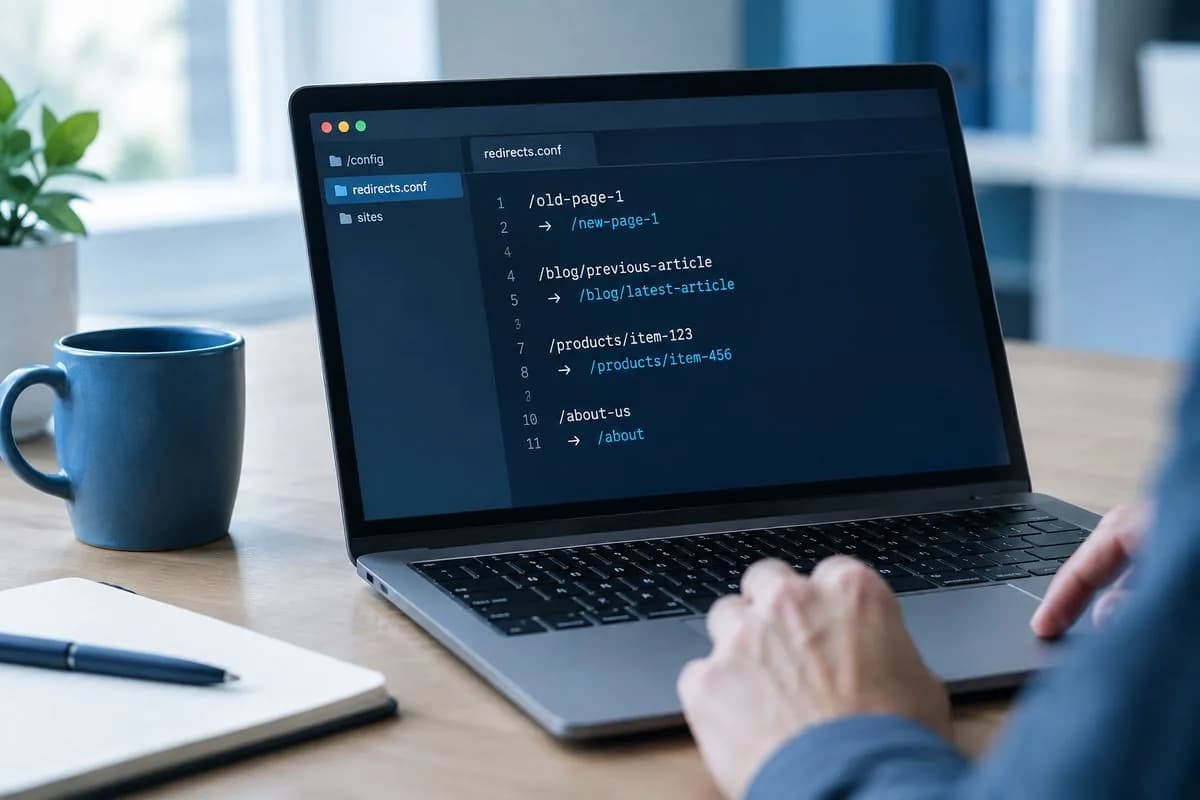
- Update DNS to point your domain to the new host. This propagates within 24-48 hours.
- Verify everything works — pages, forms, email, SSL, database — on the new host
- Cancel your old hosting only after confirming the new host is working perfectly
The entire process can be completed with zero downtime if your new host handles migration professionally.
Frequently Asked Questions
Will switching hosts affect my SEO?
If done correctly, no. Proper migration with DNS propagation and URL preservation doesn't affect your rankings. In fact, if your new host is faster, your SEO will improve. The only risk is extended downtime during migration, which is why choosing a host that handles migration professionally matters.
How long does it take to migrate to a new host?
The actual migration (copying files and database) takes 1-4 hours for most sites. DNS propagation takes 24-48 hours, during which time visitors will gradually shift to the new server. With proper planning, there's zero downtime during this process.
Can I migrate my email to a new host?
Yes. If you use hosting-provided email, your new host can usually migrate your email accounts and messages. If you use Google Workspace or Microsoft 365, your email is independent of your hosting and won't be affected by the switch at all.
What if my domain is registered with my current host?
You can either transfer your domain to a new registrar (which takes 5-7 days) or simply update the DNS nameservers to point to your new host while keeping the domain registered at your current registrar. The second option is faster and requires no approval from the old host.
How do I know if my new host will be better?
Test before committing. Sign up for a monthly plan (avoid long-term commitments until you've tested). Run speed tests, submit a support ticket to test response time, and verify all features work as advertised. Most quality hosts offer 30-day money-back guarantees.

The author
Serverlys team
The people who run Serverlys hosting, domains and support. We write about what we see every day helping small businesses keep their websites fast, safe and online.
More from Serverlys team