Getting startedServerlys team8 min read
Conversion Rate Optimization: 10 Quick Wins to Try Today
Summarize with:
10 proven CRO tactics you can implement today to increase website conversions. Data-backed strategies for improving forms, CTAs, page speed, trust signals
Most businesses focus on driving more traffic to grow revenue. But doubling your traffic is expensive and slow. Doubling your conversion rate achieves the same revenue increase — often faster and cheaper. If your website converts at 2% and you improve it to 4%, you've doubled your revenue without spending a single extra dollar on marketing.
Conversion rate optimization (CRO) is the systematic process of increasing the percentage of visitors who take a desired action — buying a product, submitting a form, booking a call, or signing up for a newsletter. This article covers 10 tactics that consistently produce measurable results across industries.
Understanding Your Current Conversion Rate
Before optimizing, you need a baseline. Your conversion rate is calculated as:
Conversion Rate = (Number of Conversions / Total Visitors) x 100
Here are average conversion rates by industry so you know where you stand:
| Industry | Average Conversion Rate | Top Performers |
|---|---|---|
| Ecommerce (overall) | 2.5% – 3.0% | 5% – 10% |
| SaaS / Software | 3.0% – 5.0% | 7% – 12% |
| Lead Generation | 2.0% – 5.0% | 8% – 15% |
| Professional Services | 3.0% – 6.0% | 10% – 20% |
| Real Estate | 1.0% – 3.0% | 4% – 8% |
If you're below your industry average, there's significant room for improvement. Even if you're at the average, the gap between average and top performers shows what's possible.
Quick Win #1: Speed Up Your Website
Page speed is the single highest-impact CRO factor you can improve. Every second of load time reduces conversions by 7%. A site loading in 4 seconds instead of 2 seconds is losing 14% of potential conversions — before visitors even see your content.
Action steps:
- Test your site with Google PageSpeed Insights right now
- If your score is below 80, optimize your site speed
- The fastest fix: upgrade to better hosting. Moving from shared to cloud hosting can cut load times by 50-70%
- Compress and convert images to WebP format
- Enable browser caching and Gzip/Brotli compression
Expected impact: 10-30% conversion increase from sub-3-second load times.
Quick Win #2: Simplify Your Forms
Every field you add to a form reduces completion rates. Research by HubSpot found that reducing form fields from 4 to 3 increased conversions by 50%. The rule is simple: only ask for information you absolutely need at this stage of the customer journey.
Action steps:
- Audit every form field. For each one, ask: "Do I need this to follow up effectively?"
- Remove phone number fields unless you actually call leads (most businesses don't)
- Combine "First Name" and "Last Name" into a single "Name" field
- Remove "Company Name" unless you serve B2B exclusively
- Use smart defaults and auto-detection (zip code from city, etc.)
Expected impact: 25-50% increase in form completions per field removed.
Quick Win #3: Add Trust Signals Near CTAs
Trust is the invisible barrier to conversion. Visitors want to buy but they're uncertain. Trust signals reduce that uncertainty at the exact moment of decision.
Action steps:
- Place customer testimonials or review scores directly next to "Buy Now" or "Contact Us" buttons
- Add a "Money-back guarantee" badge near the checkout button
- Display security badges (SSL, payment processor logos) on checkout pages
- Show the number of customers served: "Join 2,400+ businesses" is more compelling than nothing
- Add a real phone number visible on every page — even if few people call, it signals legitimacy
Expected impact: 5-15% conversion increase from trust signal placement.
Quick Win #4: Use Specific, Action-Oriented CTAs
Generic CTAs like "Submit," "Click Here," or "Learn More" don't motivate action. Your CTA should tell visitors exactly what they'll get and create a sense of forward momentum.
| Weak CTA | Strong CTA | Why It Works |
|---|---|---|
| Submit | Get My Free Quote | Specifies the value received |
| Buy Now | Start My Free Trial | Reduces commitment anxiety |
| Sign Up | Create My Account — Free | Emphasizes ownership and cost |
| Contact Us | Book a 15-Min Call | Sets clear expectation |
| Learn More | See Pricing & Plans | Tells them what's on the next page |
Expected impact: 10-30% increase in click-through rates on CTAs.
Quick Win #5: Add Live Chat or a Chatbot
Visitors often have one or two questions before they convert. If they can't get answers immediately, they leave. Live chat provides instant answers at the moment of highest intent.
The data: Websites with live chat see 20% higher conversion rates on average. Visitors who use chat are 2.8x more likely to convert than those who don't.
Action steps:
- Install a chat widget that appears after 30-60 seconds on the page (not immediately — let people read first)
- Use proactive chat triggers on high-value pages (pricing, checkout, contact)
- If you can't staff live chat, use an AI chatbot to handle common questions and escalate to email for complex ones
- Keep chat responses conversational, not scripted
Expected impact: 10-25% conversion increase on pages with chat enabled.
Quick Win #6: Create Urgency (Honestly)
Urgency reduces procrastination. When visitors feel they might miss out, they're more likely to act now rather than "come back later" (which usually means never).
Honest urgency tactics:
- Real deadlines: "Sale ends Friday at midnight" (only if it actually does)
- Limited inventory: "Only 3 left in stock" (only if true)
- Social proof urgency: "12 people are viewing this right now"
- Time-limited bonuses: "Order today and get free expedited shipping"
Warning: Fake urgency destroys trust. If your "sale" has been ending "tomorrow" for the past 6 months, customers notice. Only use urgency that's genuine.
Expected impact: 15-30% increase in conversion rate during genuine urgency periods.
Quick Win #7: Optimize Your Mobile Experience
Over 60% of web traffic is mobile, but mobile conversion rates average 1.5% vs. 3.5% on desktop. That gap represents massive lost revenue. The problem isn't mobile traffic — it's mobile experience.
Action steps:
- Test your entire purchase/signup flow on a real phone (not just Chrome DevTools)
- Make tap targets at least 44x44 pixels — fat fingers need bigger buttons
- Use autofill attributes on form fields so mobile users can fill forms with one tap
- Implement Apple Pay and Google Pay for one-tap checkout
- Remove hover-dependent interactions that don't work on touchscreens
- Ensure text is readable without zooming (16px minimum font size)
Expected impact: 20-50% increase in mobile conversion rates with proper mobile optimization.
Quick Win #8: Add Social Proof Throughout the Journey
Social proof isn't just testimonials on a dedicated page. It should appear at every decision point throughout the customer journey.
Where to place social proof:
- Homepage: Customer logos, aggregate review scores, total customers served
- Product pages: Individual reviews with photos, "Best Seller" badges, purchase counts
- Pricing page: Case study snippets showing ROI, "Most Popular" plan labels
- Checkout: "Trusted by 5,000+ businesses" badge, security certifications
- Forms: "Join 1,200 businesses that get our weekly tips"
Expected impact: 10-20% conversion increase from strategic social proof placement.
Quick Win #9: Reduce Checkout Steps
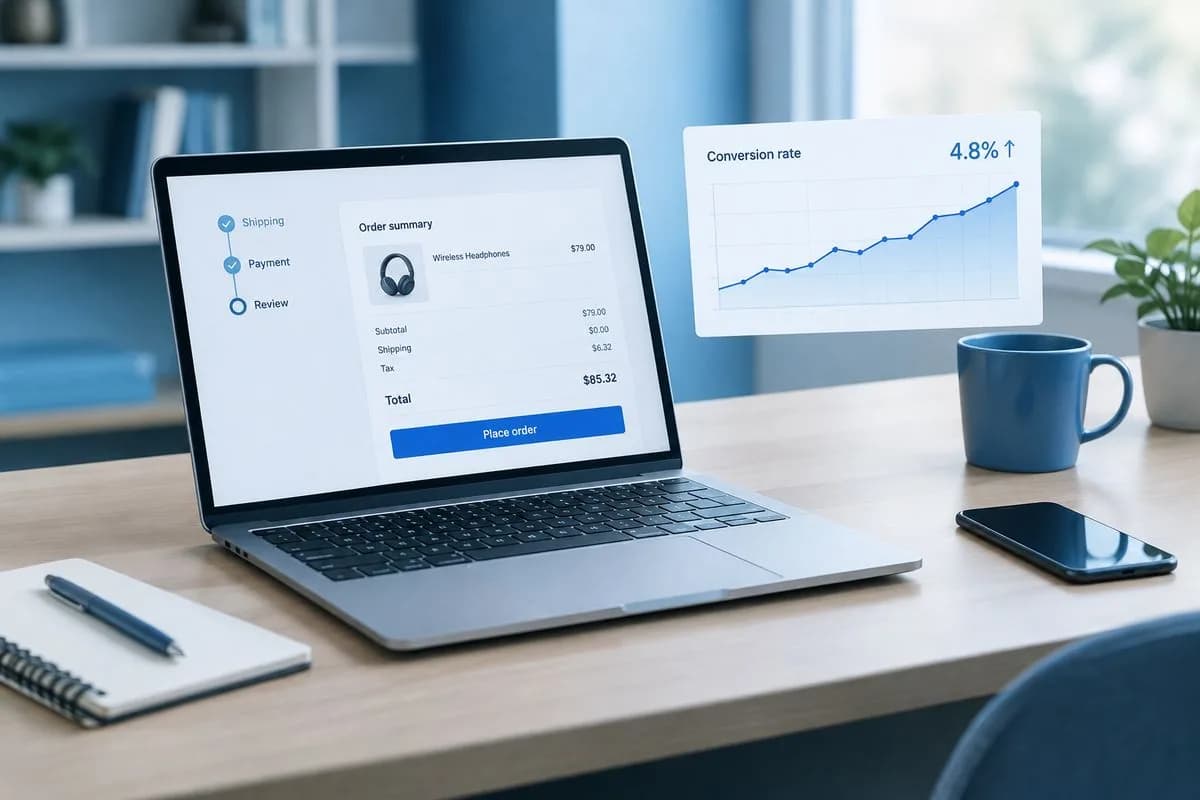
Every additional step in your checkout process loses 10-15% of remaining customers. The average checkout has 5.1 steps. The best-converting checkouts have 2-3.
Action steps:
- Implement single-page checkout where all fields appear on one page
- Offer guest checkout — forcing account creation costs you 24% of potential sales
- Auto-detect city and state from zip code
- Pre-fill returning customer information
- Show a progress indicator so customers know how many steps remain
- Display order summary throughout checkout so customers don't go back to verify
Expected impact: 15-35% reduction in checkout abandonment.
Quick Win #10: Use Exit-Intent Popups (Strategically)
Exit-intent popups detect when a visitor's cursor moves toward the browser's close button and display a last-chance offer. When done right, they recover 10-15% of abandoning visitors. When done wrong, they're annoying and damage your brand.
Rules for effective exit popups:
- Show only once per session — never on every page
- Offer genuine value: discount code, free shipping, free resource, or reminder to save cart
- Don't show on pages where the visitor has already converted (thank you page, account page)
- Make the close button prominent — trapping visitors destroys trust
- Test different offers: free shipping vs. percentage discount vs. free bonus
Expected impact: 3-10% recovery rate on abandoning visitors.
Measuring CRO Results
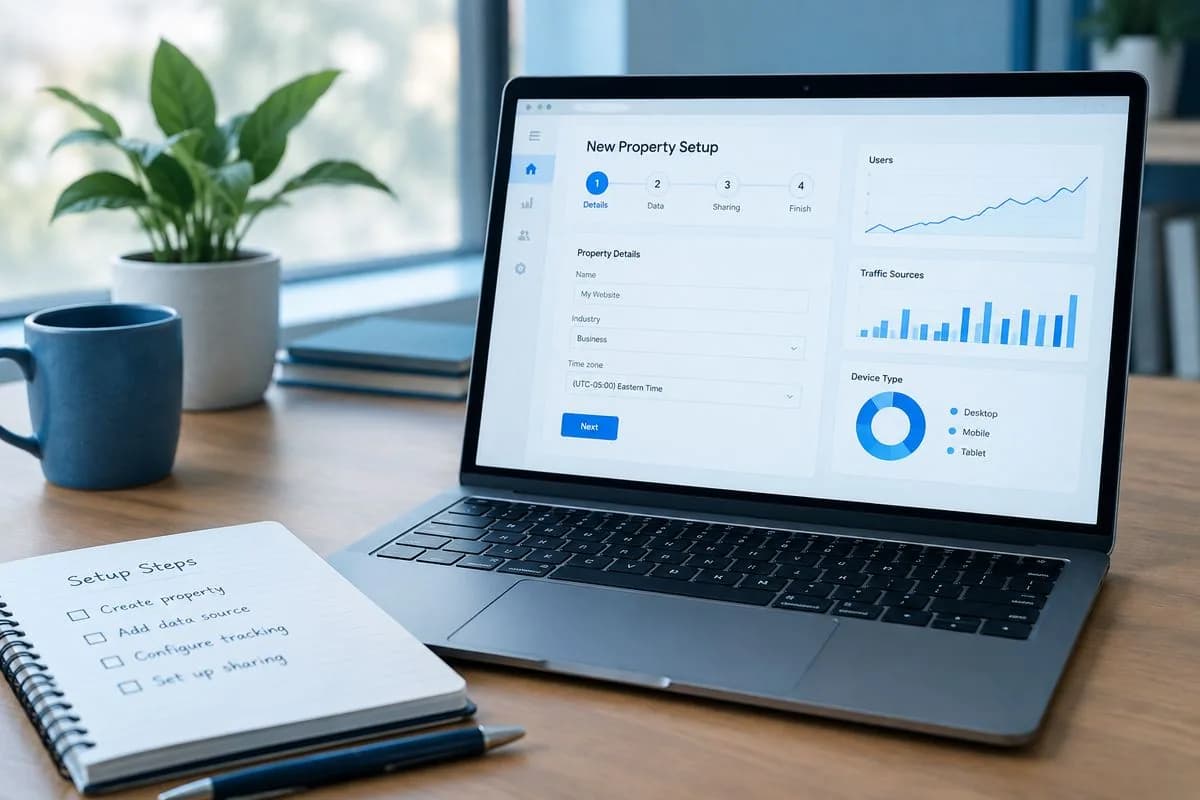
You can't improve what you don't measure. Set up these tracking elements before implementing changes:
- Google Analytics 4 conversion tracking — Set up conversion events for purchases, form submissions, and other key actions. See our GA4 setup guide.
- Heatmap tools — Hotjar or Microsoft Clarity (free) show where visitors click, scroll, and get stuck.
- A/B testing — Test one change at a time. Google Optimize's successor or tools like VWO let you run controlled experiments.
- Session recordings — Watch real visitors navigate your site. You'll spot usability issues you'd never find otherwise.
The biggest CRO mistake is changing five things at once and not knowing which one made the difference. Change one thing, measure the result, then move to the next. Slow, systematic optimization beats random redesigns every time.
Frequently Asked Questions
What's a good conversion rate for a small business website?
It depends on your industry and what counts as a conversion. For ecommerce, 2.5-3% is average and 5%+ is good. For lead generation (contact forms, quote requests), 3-5% is average and 8%+ is strong. Rather than comparing to benchmarks, focus on improving your own rate month over month.
How long does it take to see results from CRO?
Some changes (like speed improvements or form reduction) show results within days. Others (like new CTAs or social proof) need 2-4 weeks of data to evaluate properly. For statistically significant A/B test results, you typically need 1,000+ visitors per variation, which might take weeks for smaller sites.
Should I hire a CRO consultant or do it myself?
Start with the quick wins in this article yourself — they don't require specialized knowledge. If you're generating significant revenue from your website (over $50,000/year), a CRO audit from a specialist can identify opportunities you'd miss. The ROI on professional CRO work is typically 3-10x within the first year.
Does website design affect conversion rates?
Absolutely. Professional design increases trust, which increases conversions. However, a beautiful site that loads slowly or has poor UX will underperform a simpler site that's fast and intuitive. Function first, aesthetics second. Our web design services focus on both — sites that look great and convert.
What's the fastest way to increase conversions?
Speed up your website. It's the single change that impacts every visitor, every page, and every conversion path simultaneously. A 1-second improvement in load time can increase conversions by 7%. Start with better hosting, then optimize images and scripts.

The author
Serverlys team
The people who run Serverlys hosting, domains and support. We write about what we see every day helping small businesses keep their websites fast, safe and online.
More from Serverlys team