Getting startedServerlys team9 min read
Local SEO for Small Business: Rank in Google Maps
Summarize with:
Complete local SEO guide for small businesses. Learn how to optimize your Google Business Profile, build local citations, earn reviews
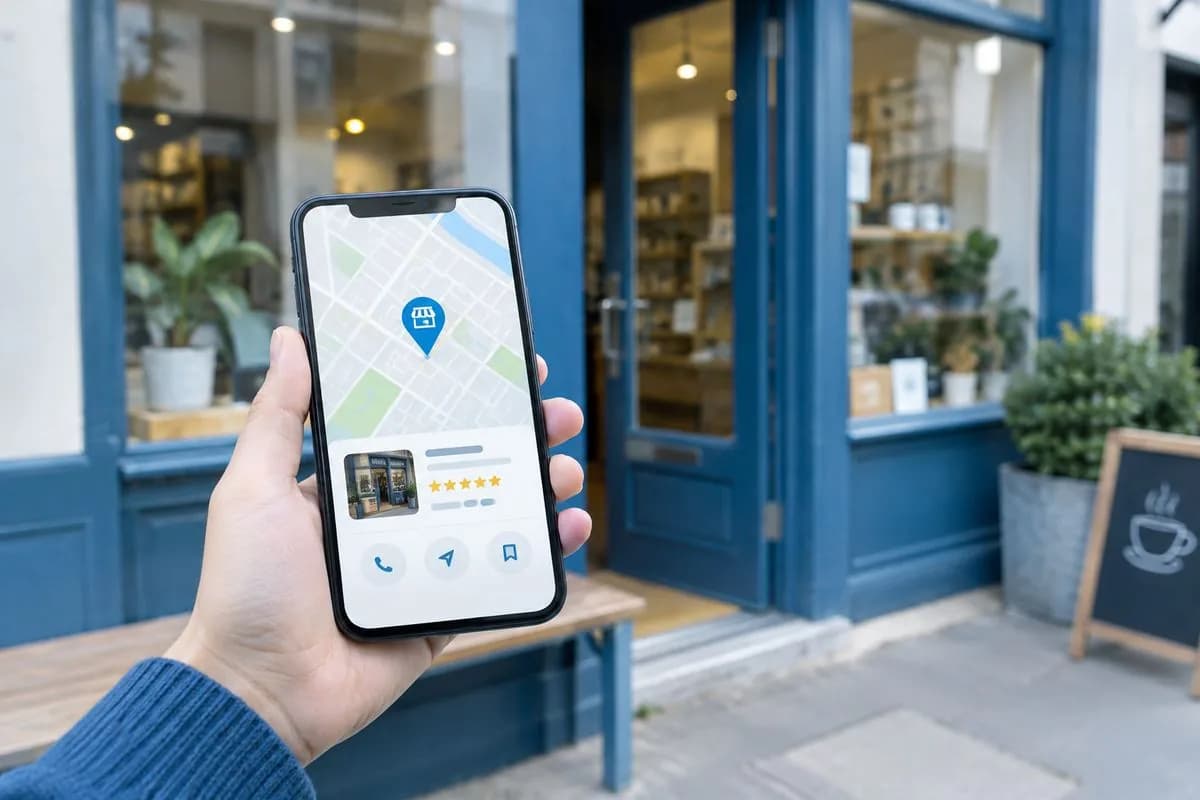
When someone searches "plumber near me" or "best coffee shop in [city]," Google doesn't show the same results as a regular search. It shows a local pack — a map with three business listings — followed by organic results filtered for local relevance. Getting your business into that local pack can transform your revenue. Businesses in the top 3 local results get 70% of all clicks.
Local SEO is a different discipline from traditional SEO. It has its own ranking factors, its own optimization strategies, and its own tools. This guide covers everything a small business owner needs to know to rank higher in local search.
How Local Search Works: The Three Ranking Factors
Google has confirmed that local search rankings are determined by three primary factors:
1. Relevance
How well does your business match what the searcher is looking for? If someone searches "emergency dentist," a dental practice that lists "emergency dental services" in their Google Business Profile is more relevant than one that just says "family dentistry."
How to improve relevance: Use specific, descriptive categories in your Google Business Profile. Include relevant services in your business description. Create website pages for each service you offer with location-specific content.
2. Distance
How far is your business from the searcher? You can't change your physical location, but you can influence how Google understands your service area. Businesses closer to the center of a city or to the searcher's location have an inherent advantage.
How to work with distance: If you serve multiple areas, create location-specific pages on your website. Ensure your address is accurate and matches across all online listings. For service-area businesses (plumbers, electricians, etc.), define your service area clearly in your Google Business Profile.
3. Prominence
How well-known and trusted is your business? Google measures prominence through reviews, citations (mentions of your business on other websites), backlinks, and overall online presence. A business with 200 five-star reviews and listings on 50 directories is more prominent than one with 5 reviews and no directory listings.
Local SEO is fundamentally about building trust signals. Every review, every consistent citation, every piece of location-specific content tells Google that your business is real, active, and relevant to local searchers.
Step 1: Optimize Your Google Business Profile
Your Google Business Profile (formerly Google My Business) is the single most important factor in local search rankings. If you do nothing else on this list, do this.
Complete Every Field
Google has confirmed that businesses with complete profiles are 2.7x more likely to be considered reputable. Fill in every single field:
- Business name: Use your real business name. Don't stuff keywords (e.g., "John's Plumbing - Best Plumber in Miami" will get your profile suspended).
- Address: Use your exact street address as it appears on your mail. Consistency matters.
- Phone number: Use a local phone number, not a toll-free number. Local numbers signal local relevance.
- Business hours: Keep these accurate, including holiday hours. Google tracks whether your listed hours match reality.
- Categories: Choose one primary category and up to 9 additional categories. Be as specific as possible — "Italian Restaurant" is better than "Restaurant."
- Services/Products: List every service or product you offer with descriptions and prices when applicable.
- Business description: Write a compelling 750-character description that includes your main services, location, and what makes you different. Natural language, not keyword stuffing.
- Photos: Add at least 10 high-quality photos: exterior, interior, team, products/services, and work in progress. Businesses with photos get 42% more direction requests and 35% more website clicks.
Post Regularly
Google Business Profile allows you to publish posts — updates, offers, events, and product highlights that appear in your listing. Posting 1-2 times per week signals to Google that your business is active. Posts expire after 7 days, so consistency matters.
- Share promotions and seasonal offers
- Highlight new products or services
- Post about community events you're involved in
- Share behind-the-scenes content and team updates
Step 2: Build and Fix Citations
Citations are online mentions of your business name, address, and phone number (NAP). They appear in business directories, social profiles, and data aggregators. Consistent citations across the web are a strong trust signal for Google.
Essential Citation Sources
| Directory | Priority | Cost |
|---|---|---|
| Google Business Profile | Critical | Free |
| Yelp | High | Free |
| Facebook Business Page | High | Free |
| Apple Maps | High | Free |
| Bing Places | Medium | Free |
| Better Business Bureau | Medium | Varies |
| Industry-specific directories | High | Free – $50/yr |
| Local Chamber of Commerce | Medium | Membership fee |
NAP Consistency Is Critical
Your Name, Address, and Phone number must be identical across every listing. Variations like "123 Main St" vs "123 Main Street" or "Suite 200" vs "#200" confuse Google and dilute your citation power. Audit all your listings and make them match exactly.
Step 3: Generate and Manage Reviews
Reviews are the second most important local ranking factor after your Google Business Profile. They also directly influence whether someone clicks on your listing or your competitor's.
Review Statistics That Matter
- Businesses with 40+ reviews earn 54% more revenue from local search than those with fewer
- 93% of consumers read online reviews before visiting a local business
- A 1-star increase in Yelp rating leads to a 5-9% increase in revenue for restaurants
- The average consumer reads 10 reviews before trusting a business
How to Get More Reviews (Ethically)
- Ask at the right moment — Right after you've delivered a great experience. Not weeks later via email.
- Make it easy — Create a direct link to your Google review page and share it via text, email, or a QR code at your location.
- Train your team — Every customer-facing employee should know how to ask for a review naturally.
- Respond to every review — Thank positive reviewers by name. Address negative reviews professionally and offer to resolve the issue offline.
- Never buy reviews — Fake reviews violate Google's terms and can result in your listing being suspended. Google's AI detection is increasingly sophisticated.
Step 4: Optimize Your Website for Local Search
Your website complements your Google Business Profile. Here's how to optimize it for local search:
Create Location-Specific Pages
If you serve multiple areas, create a unique page for each one. A plumber serving Miami, Fort Lauderdale, and Coral Gables should have three separate pages with unique content about serving each area. Don't just duplicate content and swap the city name — Google detects thin, duplicate local content and penalizes it.
Implement Local Schema Markup
Schema markup is structured data that helps Google understand your business information. Add LocalBusiness schema to your homepage or contact page with your NAP, business hours, geo-coordinates, and accepted payment methods. This can qualify you for rich snippets in search results.
Optimize for "Near Me" Searches
"Near me" searches have grown 500% in the past five years. To rank for these searches:
- Include your city, neighborhood, and region in title tags, meta descriptions, and headings
- Embed a Google Map on your contact page
- Use structured data to specify your address and service area
- Ensure your website loads fast on mobile (most "near me" searches happen on phones)
Step 5: Build Local Backlinks
Backlinks from local websites carry more weight for local SEO than links from national or international sites. Here are strategies that work:
- Sponsor local events — Event websites typically link back to sponsors.
- Join your Chamber of Commerce — Chamber websites provide high-authority local backlinks.
- Partner with complementary businesses — A wedding photographer and a florist can link to each other naturally.
- Get featured in local media — Pitch stories to local news outlets, community blogs, and neighborhood newsletters.
- Create local resources — Write a "Best [things] in [city]" guide that local bloggers and journalists will want to reference.
- Support local charities — Nonprofit websites frequently link to their donors and partners.
Step 6: Monitor and Measure Results
Local SEO takes time. Most businesses see meaningful results in 3-6 months. Here's how to track your progress:
Key Metrics to Track
| Metric | Where to Track | What It Tells You |
|---|---|---|
| Google Maps rankings | Manual search / rank tracker | Position in local pack for target keywords |
| GBP impressions | Google Business Profile Insights | How often your listing appears in search |
| Direction requests | Google Business Profile Insights | How many people are navigating to you |
| Phone calls | Google Business Profile Insights | Calls generated from your listing |
| Website visits from GBP | Google Analytics 4 | Traffic driven by your local listing |
| Review count and rating | Google Business Profile | Social proof and trust signals |
Common Local SEO Mistakes to Avoid
- Inconsistent NAP across directories — Even minor differences confuse Google. Audit everything.
- Ignoring negative reviews — Unanswered negative reviews hurt more than the review itself. Respond professionally to every one.
- Keyword stuffing your business name — Adding keywords to your GBP business name violates guidelines and risks suspension.
- Duplicate content on location pages — Swapping city names on otherwise identical pages doesn't work. Each location page needs unique, valuable content.
- Neglecting your website — Your GBP listing drives traffic to your website. If your site is slow, outdated, or not mobile-friendly, you're losing the customers Google sends you.
- Not tracking results — Without measurement, you can't know what's working. Set up tracking from day one.
Frequently Asked Questions
How long does local SEO take to show results?
Most businesses see initial improvements in 4-8 weeks, with significant ranking gains in 3-6 months. Google Business Profile optimizations can show results faster (2-4 weeks), while building citations and backlinks takes longer to accumulate. The key is consistency — local SEO is not a one-time project.
Do I need a physical address for local SEO?
For Google Maps listing, you need either a physical storefront or a clearly defined service area. Service-area businesses (plumbers, electricians, house cleaners) can hide their address and show only their service area. Purely online businesses without a physical location or service area cannot create a Google Business Profile.
How many Google reviews do I need?
There is no magic number, and no threshold Google has ever published. Focus on a consistent flow of reviews rather than a one-time push. Aim for 2-5 new reviews per month as a sustainable target.
Should I pay for directory listings?
Most essential directories are free. Paid listings on Yelp, BBB, or industry-specific directories can provide additional features but aren't necessary for most small businesses. Focus on getting your free listings correct and consistent first. Only pay for directories that your customers actually use.
Does website speed affect local SEO?
Yes. Google uses page speed as a ranking factor for all searches, including local. Mobile speed is especially important since most local searches happen on phones. A site that loads in under 2 seconds on mobile performs significantly better than one taking 4+ seconds. For more on this topic, read our guide on how website speed impacts SEO rankings.

The author
Serverlys team
The people who run Serverlys hosting, domains and support. We write about what we see every day helping small businesses keep their websites fast, safe and online.
More from Serverlys team