DomainsServerlys team3 min read
How to make sure your domain really belongs to you
Summarize with:
Who the registrant is, which email controls it, and how auto-renew and transfer locks work, so your domain never lapses or ends up in someone else's hands.
Your domain name is the address of your website and the second half of every email address your business uses. If it expires, both stop working. If someone else controls it, they control both. And yet it is the asset small businesses check least, often registered years ago by whoever happened to set up the website.
Making sure it is genuinely yours takes about twenty minutes. Here is what to check, and what to fix.
Step one: find out where it is registered
Run your domain through a WHOIS lookup. Even with privacy protection on, it will show which registrar the domain is with, when it was registered and when it expires. If the registrar is not one you recognise, someone else probably set it up, and that is the first thing to resolve.
Step two: check the three things that define ownership
The account it sits in
The domain lives inside an account at the registrar. Whoever can log in to that account can change where the domain points, transfer it away or let it lapse. Make sure that account belongs to the business, uses a strong unique password and has two-factor authentication on.
The registrant
The registrant is the legal holder of the domain. It should be your business (or you, as its owner), not a designer, an agency or a former employee. If it is someone else, ask them to update it now, while you are on good terms. Note that changing the registrant can trigger a 60-day transfer lock at many registrars; that is a standard safety measure, and a good reason to fix it before you need to move the domain.
The contact email
Renewal reminders, transfer approvals and security notices go to the email on the account. If that address is a former employee's, a free mailbox nobody reads, or an address at the domain itself, you can miss the very message that would have saved it. Use an address you check, ideally one that does not depend on the domain it is protecting.
Step three: make expiry impossible
- Turn on auto-renew, and check that the card on file has not expired. Most lapses are not decisions; they are declined payments nobody noticed.
- Consider renewing for several years. It removes a yearly point of failure, and the cost is the same per year.
- Put the expiry date in your calendar a month ahead, as a backstop to the registrar's own reminders.
- Know the safety net, but do not rely on it. After expiry, most domains enter a grace and redemption period during which the old owner can still recover them, often at extra cost. Once that ends, the name is released and anyone can register it. Our guide to expired domains explains the stages.
Step four: lock it and protect it
- Registrar lock (transfer lock) on. It blocks transfers to another registrar until you deliberately switch it off. Leave it on unless you are moving the domain yourself.
- WHOIS privacy on, where the extension allows it. It keeps your personal details out of public lookups and cuts down the spam and scam letters that follow a new registration. See our WHOIS privacy guide.
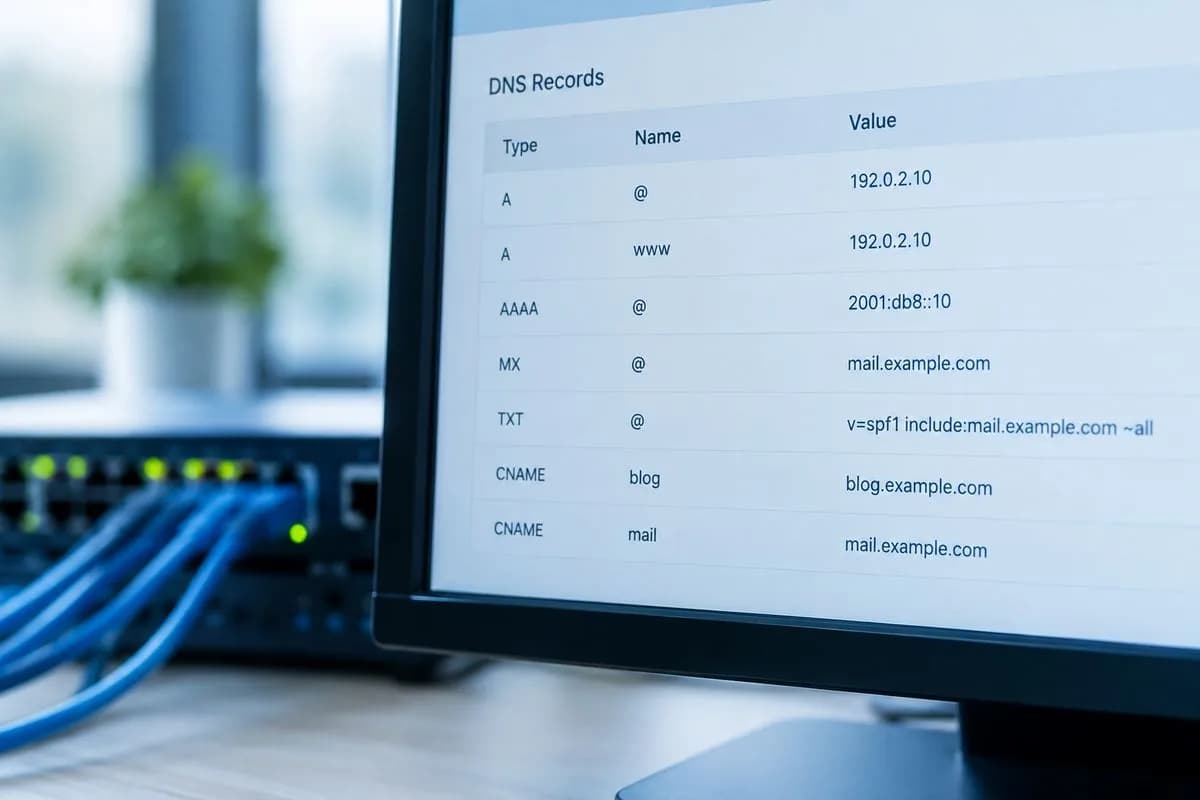
- Write down your nameservers. If the website or email ever stops working, knowing where the domain is meant to point is half the diagnosis. Our nameservers explainer shows where to find them.
Bringing it all under one roof
Many businesses end up with domains scattered across several registrars, each with its own login and renewal date. Consolidating them makes all of the above easier to keep up. You can transfer a domain to Serverlys and manage it alongside your hosting and email, or register a new one with WHOIS privacy included where the registry allows and the renewal price shown before you pay. Our domain transfer guide walks through the steps, including the authorisation code and the timing.
Whichever registrar you use, the rule is the same: the business owns the domain, the business controls the account, and nothing about renewal depends on someone remembering.

The author
Serverlys team
The people who run Serverlys hosting, domains and support. We write about what we see every day helping small businesses keep their websites fast, safe and online.
More from Serverlys team