SecurityServerlys team3 min read
Who still has the keys to your website?
Summarize with:
A practical access audit for small businesses: every login that controls your website, domain and email, and what to do when someone leaves.
Ask a small business owner who can log in to their website and the answer is usually 'me, and maybe the designer'. Ask them to list every account and the list grows: the old web designer, a marketing freelancer from two years ago, a former employee who updated the blog, the agency that set up the ads, a shared password on a sticky note.
Every one of those is a way in. Plenty of break-ins on small sites involve no clever hacking at all, just a valid login that should have been removed, or a password that was reused somewhere else and leaked. An access audit closes that door, takes an afternoon, and costs nothing.
Step one: map every account that matters
Write a list with one line per system. For each, note the login email, who has access, and whether two-factor authentication is on. These are the systems that matter most, in order:
- Your domain registrar. Whoever controls the domain controls your website and your email. This is the most important account you own. Our guide to keeping control of your domain covers it in detail.
- Your email accounts, especially the address that password resets go to. Access to that inbox is access to everything else.
- Your hosting account and control panel, including FTP and database users created over the years.
- Your website's admin area, such as WordPress administrators, editors and shop managers.
- Everything connected: analytics, ad accounts, payment providers, the booking system, social profiles linked to the site.
Step two: clean up what you find
- One person, one account. Shared logins make it impossible to remove one person without changing the password for everyone, so nobody ever does it. Give each person their own account.
- Least privilege. Someone who writes blog posts needs an editor role, not an administrator one. Downgrade anyone who has more access than their job needs.
- Remove the departed. Delete or disable accounts for anyone who no longer works with you, including agencies and freelancers. In WordPress, reassign their content to another user when you delete them.
- Delete stale technical users. Old FTP accounts and database users from a past project are easy to forget and easy to abuse.
- Turn on two-factor everywhere it is offered, starting with the registrar, email and hosting. See our two-factor authentication guide.
- Use a password manager. Unique, long passwords for every account, stored somewhere better than a spreadsheet, and shareable with a teammate without being visible to them.
Step three: an offboarding checklist for next time
The audit fixes today. A checklist keeps it fixed. When an employee, freelancer or agency stops working with you, go through this the same day:
- Remove or disable their website admin account and reassign their content.
- Remove them from the hosting account, control panel, FTP and any database users they created.
- Remove them from the registrar, analytics, ad accounts and social profiles.
- Change any shared password they knew. If you followed step two, there should be none.
- Forward or convert their business mailbox so customer messages are not lost, then close it.
- Check that payment details and recovery emails on every account point to you, not to them.
Keep it short, keep it current
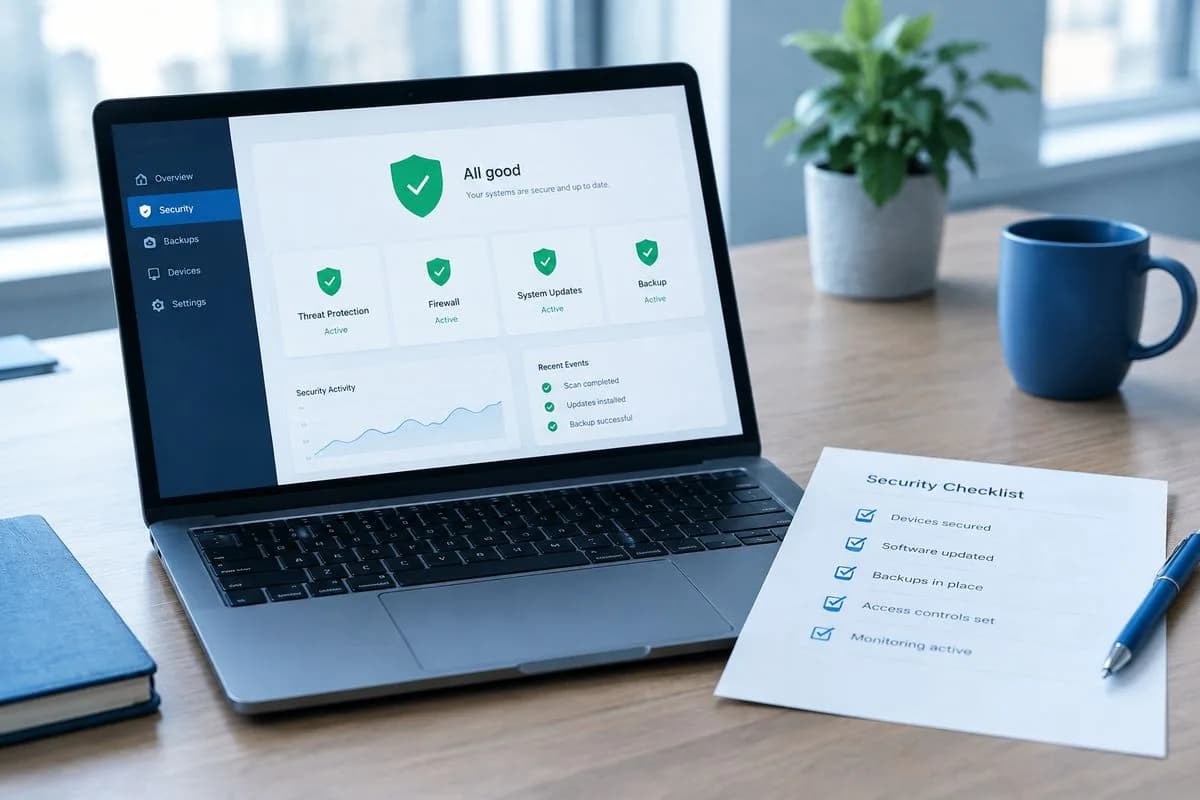
Repeat the audit once a year, or whenever you change web designer or agency. It is also worth working through our wider website security checklist once the access is clean, because a tidy set of accounts is the foundation everything else rests on.
Two things make this easier on our side. Business email at your own domain means accounts and password resets use addresses the business owns, rather than personal ones that walk out of the door. And with managed hosting, our team handles server patching, firewall hardening and daily backups, so even if an account slips through, a clean restore point is there.

The author
Serverlys team
The people who run Serverlys hosting, domains and support. We write about what we see every day helping small businesses keep their websites fast, safe and online.
More from Serverlys team